
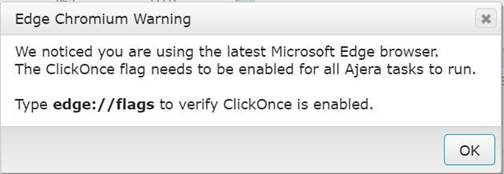
To enable ‘ClickOnce’ functionality, open a new tab, and type in edge://flags, which opens this:
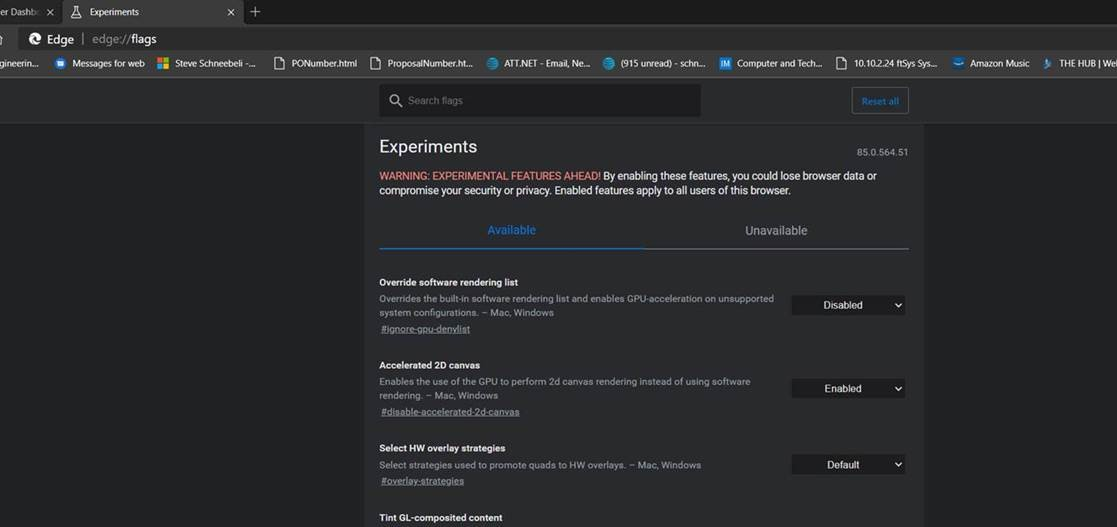
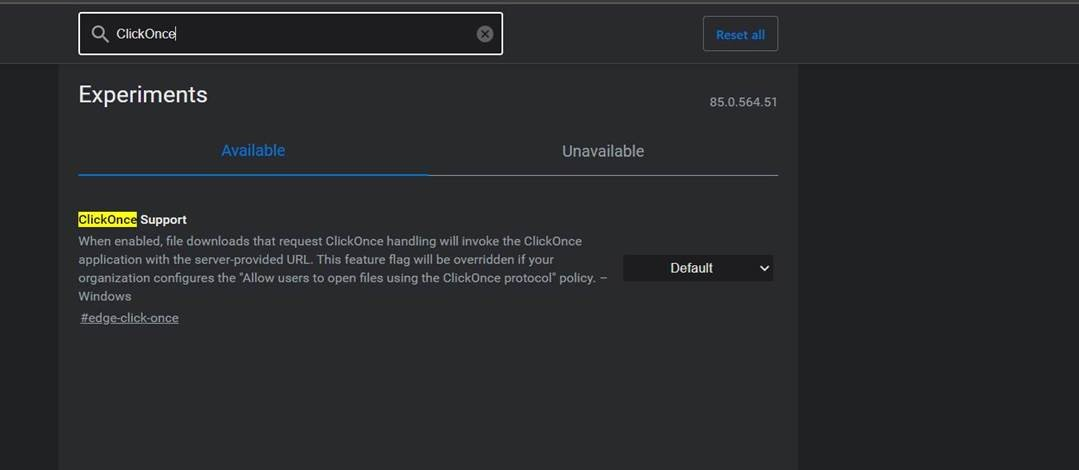
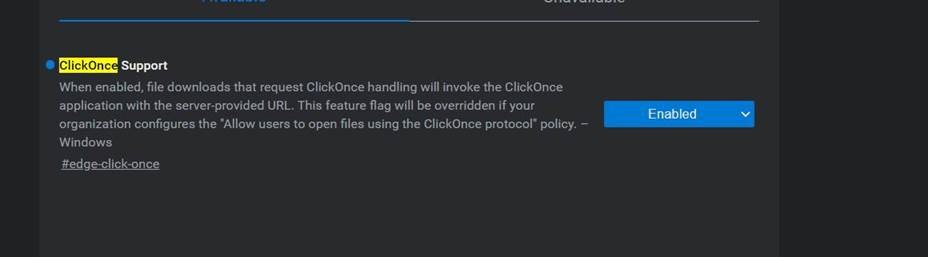
Change the setting to Enabled, and then click the ‘Restart’ button at the lower right side to restart the Edge browser.
Now, launch the Ajera web page, and open your desired applet. You will be prompted about ClickOnce every time you launch the first applet after logging into Ajera. I have not found a way to turn that off. Once you click ‘OK’ a new tab opens with the following:
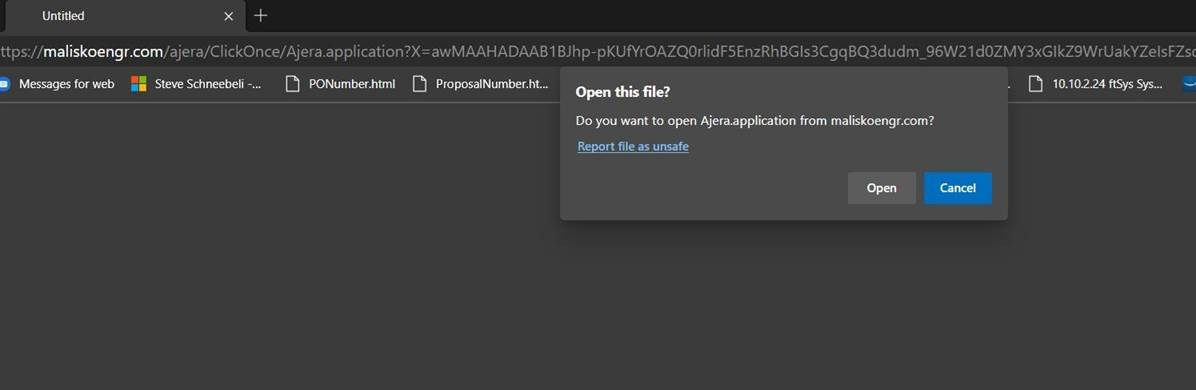
Press ‘Open’ to open the applet. You can close the new tab once the applet is open.
-Steve Schneebeli
Director of Engineering / IT